

.thumb.jpg.988c9886769fdbadc651c8b7b5e75374.jpg)

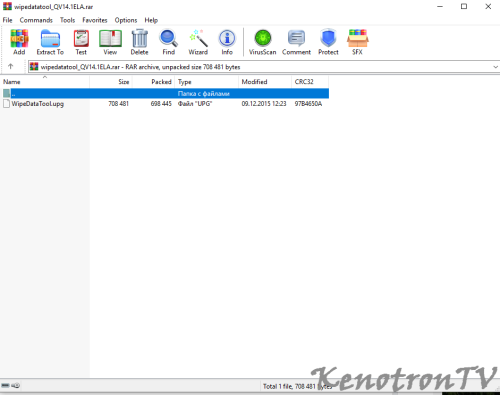
Информация о файле
AKAI LES-22V02S с проблемой " висит на заставке андроид"
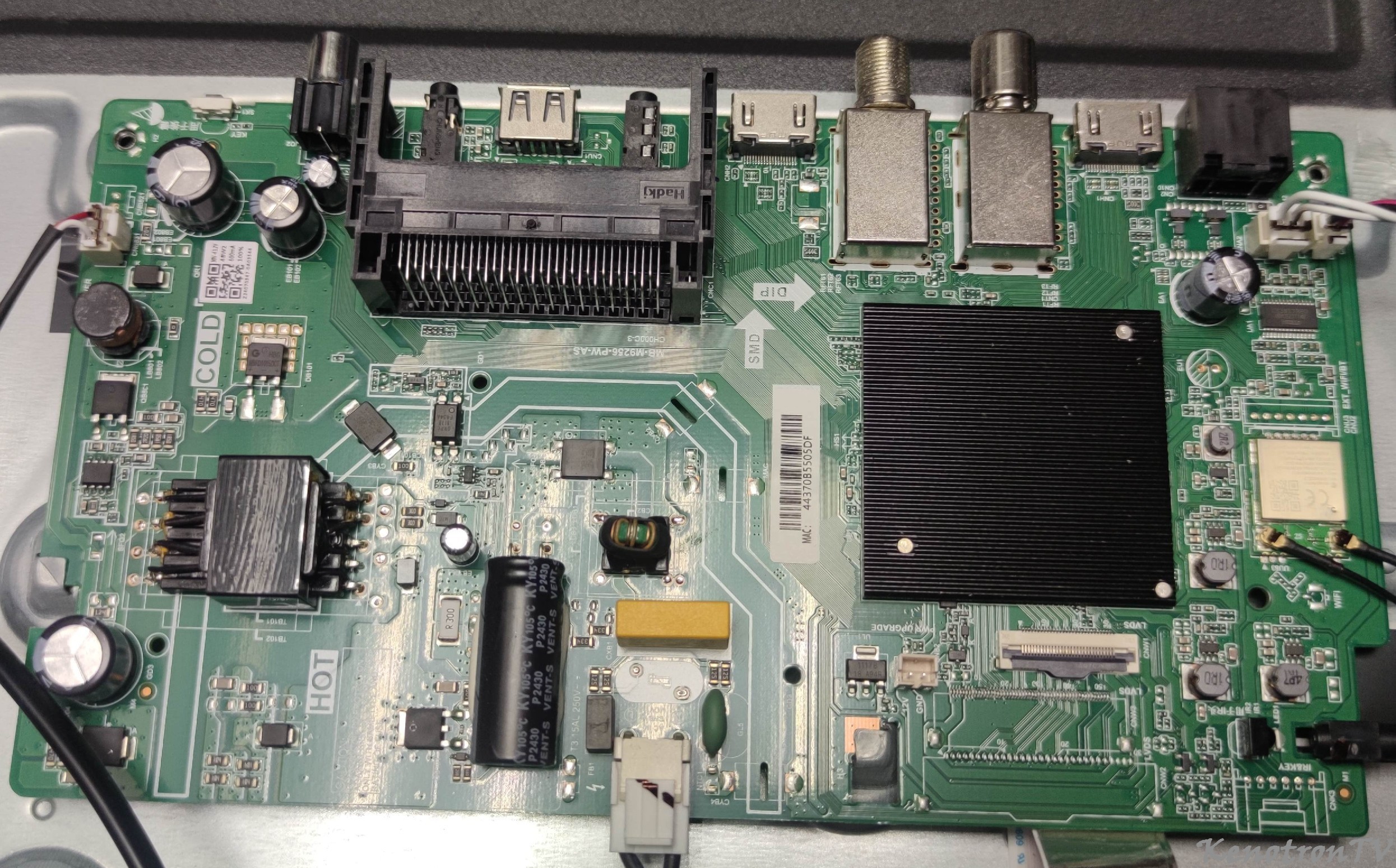
Main: T.MS608.61
Panel: M215AEN01-1
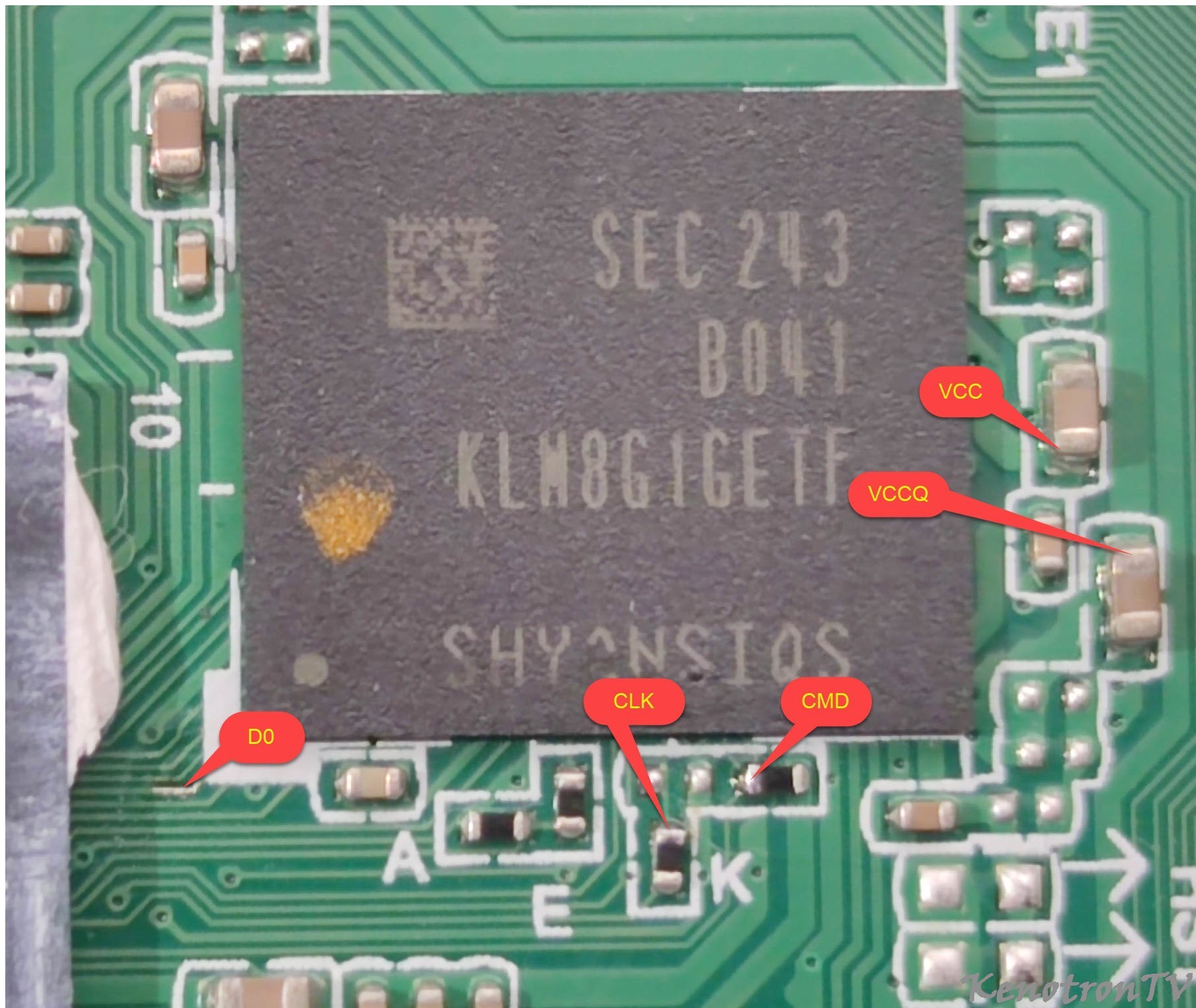
EMMC: THGBM5G5A1JBA1R
SPI: W25Q16DVSIG
RAM: NT5CB256M8FN-D1 - 2шт
LES-22V02S\LES-22V02S, M215AE1N01-1(T215B1-P01-L05), T.MS608.61
1. Copy the unzipped files “mboot.bin,MstarUpgrade.bin” to the root directory of the USB;
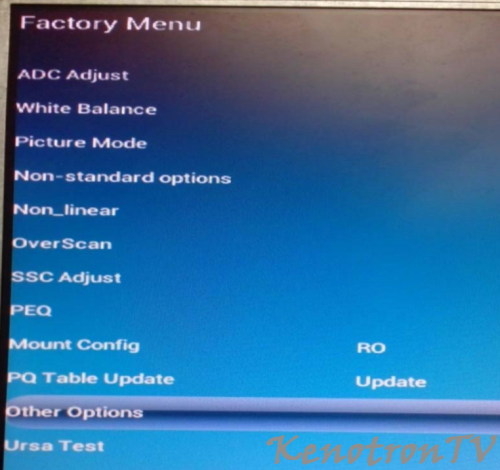
2. Power on the TV and plug in the USB, then press “source+2580” to enter the Factory Menu.
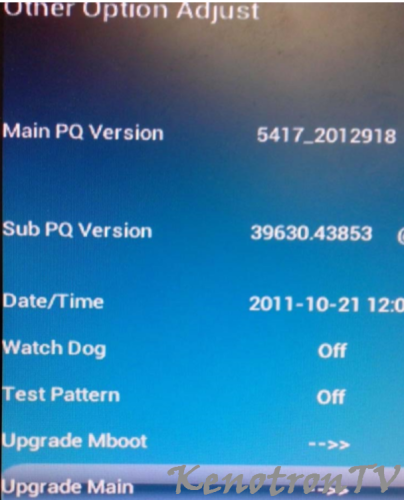
3. Select “other options”
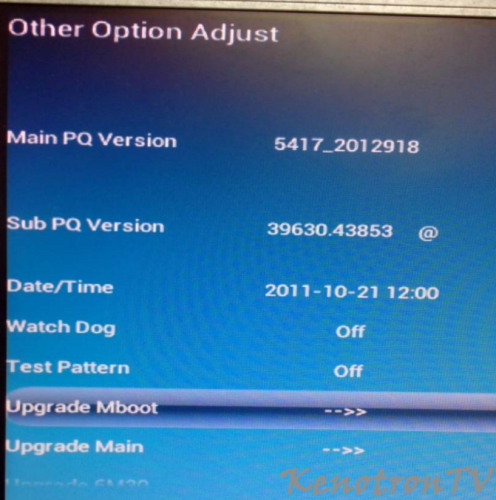
4. Select “upgrade mboot” and enter;
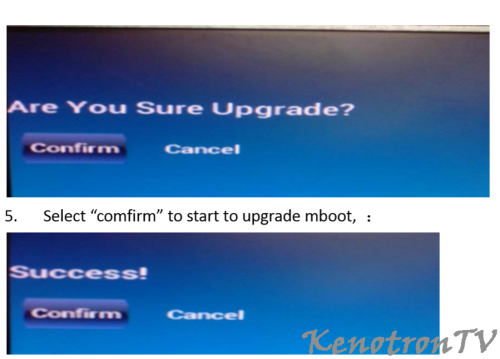
5. Select “comfirm” to start to upgrade mboot, :
5. Select “comfirm” to start to upgrade mboot, :
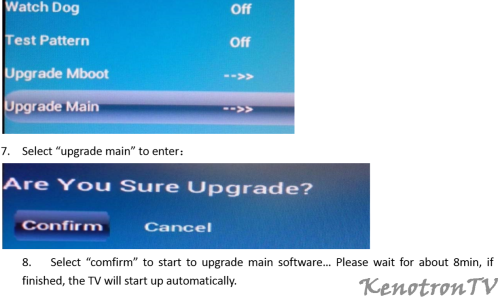
7. Select “upgrade main” to enter:
8. Select “comfirm” to start to upgrade main software… Please wait for about 8min, if finished, the TV will start up automatically.
Что нового в версии 1.0.0 Просмотр изменений
Размещено
Для этой версии изменений нет.